Manage your site
Shared vs. property content
Manage content once in Global Content and reuse it everywhere, or give one property its own version.
Most of the time you'll edit content on a property (Property Content). But if you run several properties, you can manage a piece of content once and reuse it everywhere - that's Global Content.
On an individual property, a global item shows as Global and is read-only, so a change in one place doesn't accidentally change every site.
Create content for every property
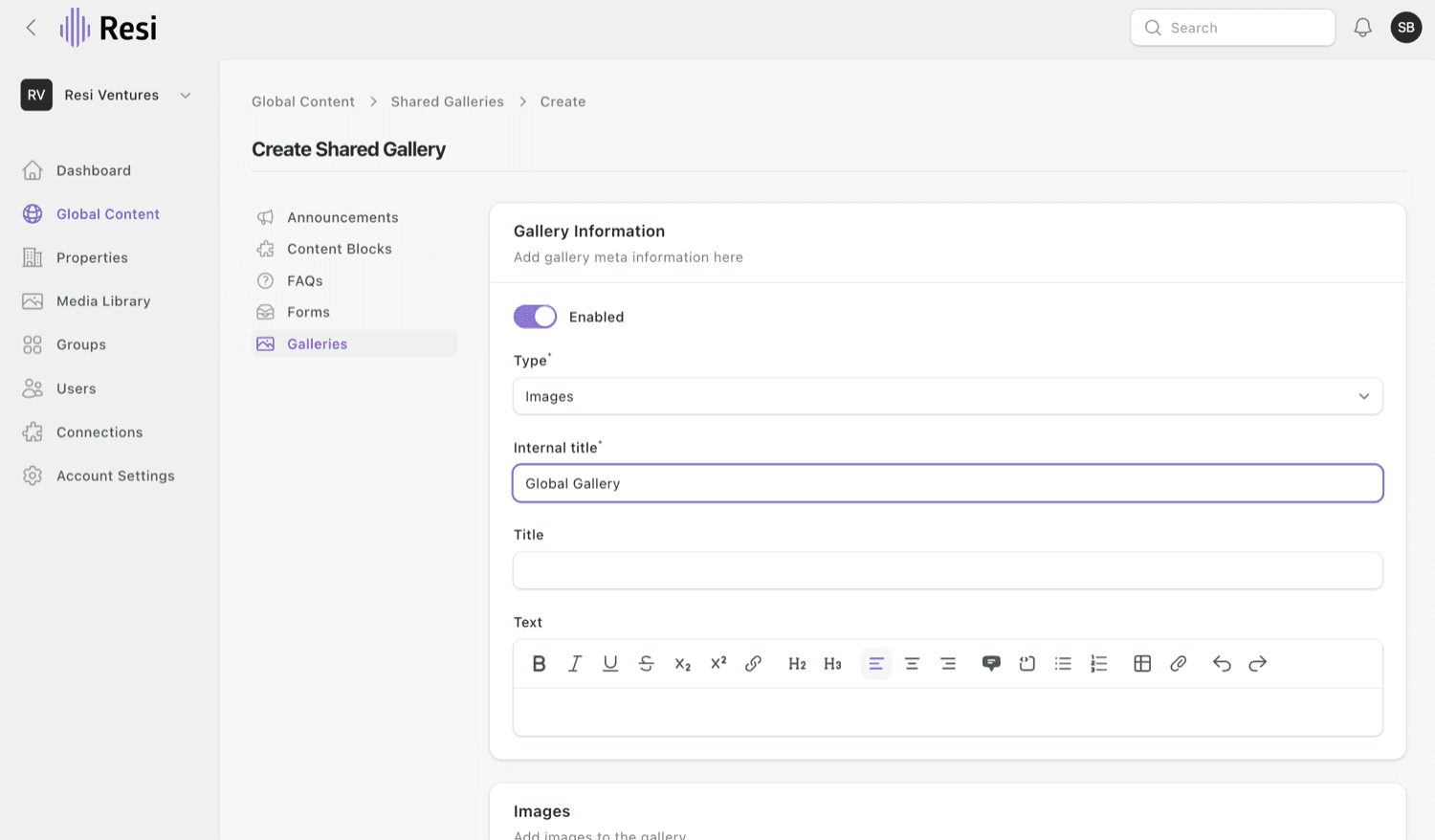
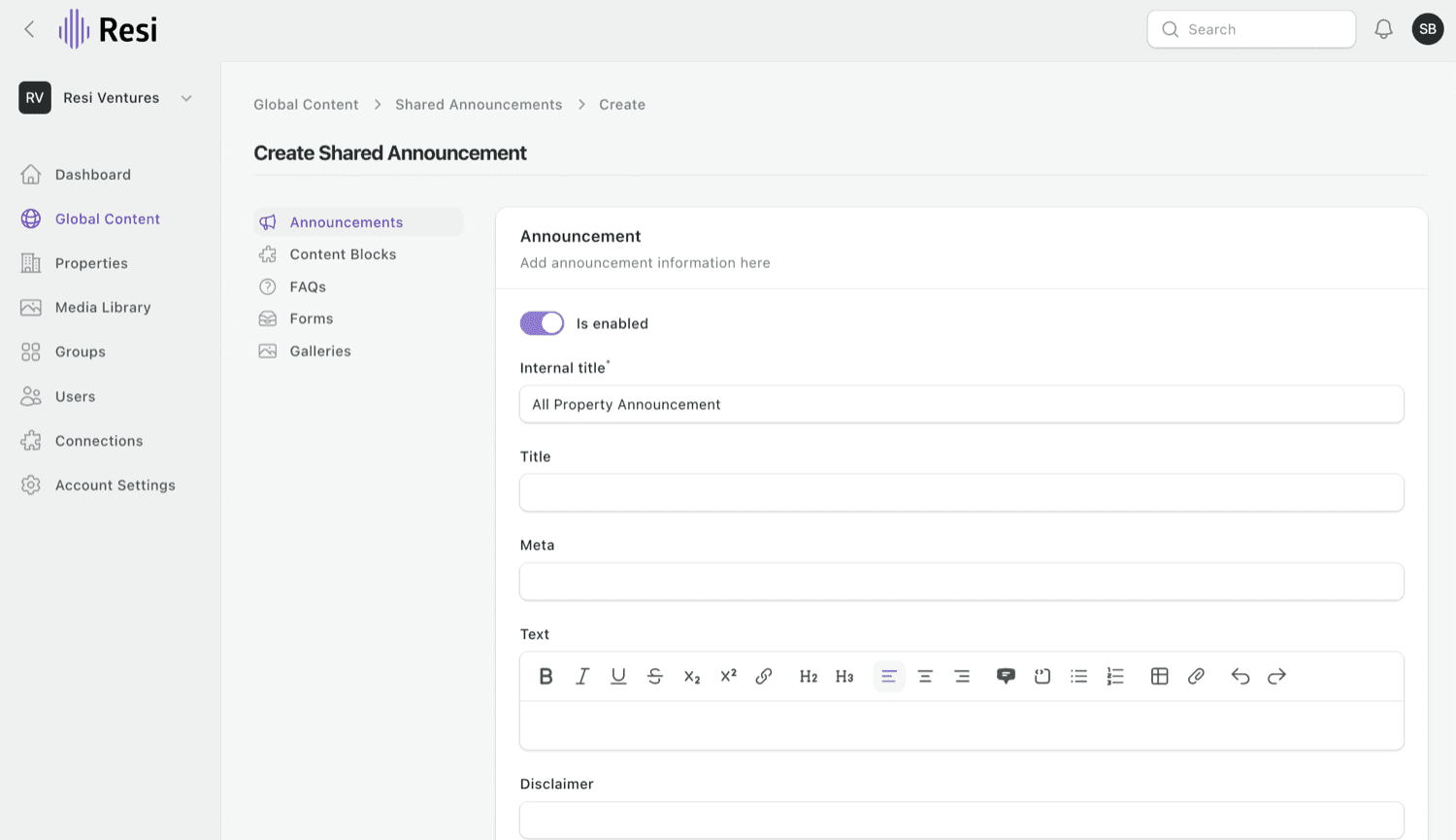
- Go to Global Content and pick the type - Galleries, Announcements, Content Blocks, FAQs, or Forms.
- Choose Create. The form is the same as the per-property one; what you make here applies to all your properties.
Make one property different
When a single property needs its own version, open that global item on the property and either:
- Partition - make a local copy for this property that you can edit freely. It detaches from the global version, so your edits stay on this property only.
- Detach property - remove this property from the global item entirely.
Tip
Edit the global item when a change should apply everywhere; partition when just one property needs something different.
Last updated on