Manage your site
Announcements
Create a timed message - a special, an event, a leasing note - that shows on your site for a set window.
Announcements are timed messages - a special, an event, a leasing note - that appear on your site for a set window.
Create an announcement for your property
- Open Properties and choose your property.
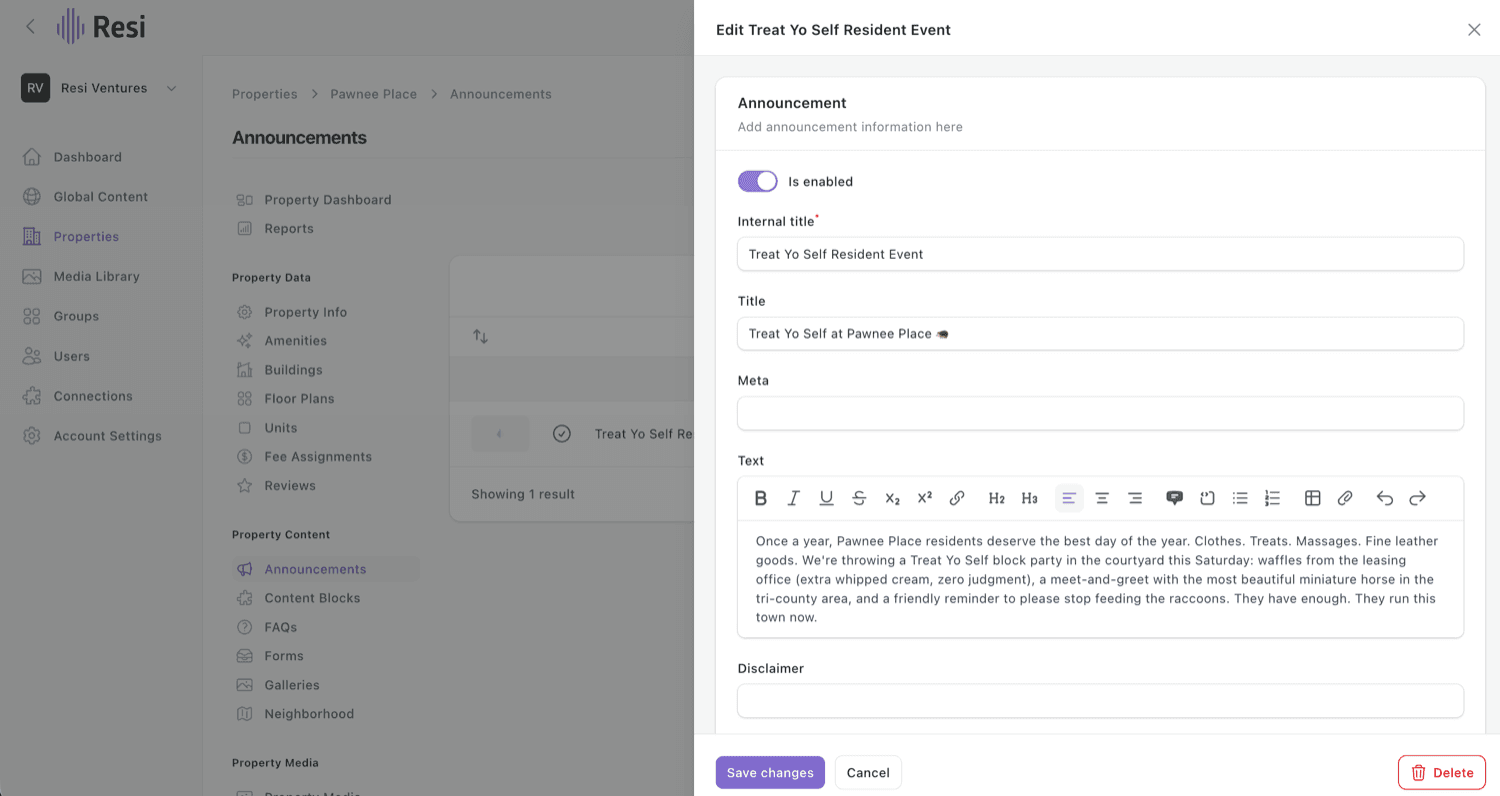
- Under Property Content, go to Announcements and choose New announcement.
- Give it an Internal title and write your message in the Text field.
- Set the schedule (a start-to-end date range), add an image or link if you'd like, and save. It comes down on its own at the end of the schedule.
Managing several properties?
Announcements also live under Global Content for reuse across sites. See Shared vs. property content.
Last updated on